Desktop sticky notes & corkboard for Mac and Windows
Your desk,
but pinned.
A playful cork board that lives on your desktop. Notes, photos, voice notes and games — tied together with red yarn.
On your phone? 📱
Corkly lives on your Mac or PC. We’ll email you the link so it’s waiting on your computer.
Things you can pin
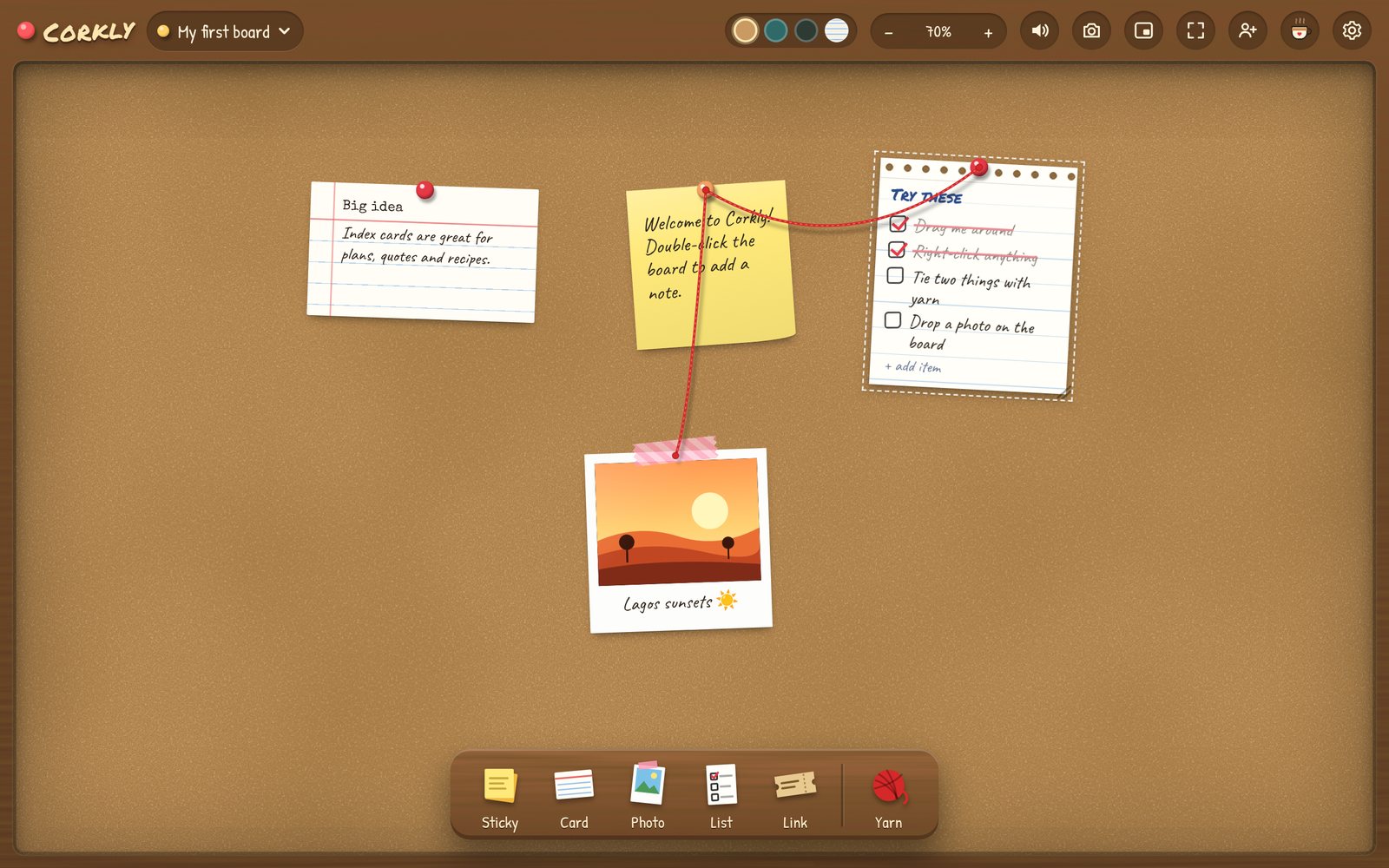
Sticky notes
Double-click anywhere and start writing.
Polaroids
Drop in a photo, add a caption and some washi tape.
Voice notes
Record a little message on a cassette. Perfect for “good morning”.
Games
X and O, Hangman and Dots & Boxes — against the computer or each other.
Checklists
Tick the last box and get a DONE! stamp and confetti.
Countdowns
Birthdays, trips, launches — balloons when the day arrives.
Red yarn
Connect ideas detective-style. The string sags and bounces.
Shared boards
Invite someone and pin notes, photos and games onto each other’s boards — live.
Lives on your desktop
Small, always there
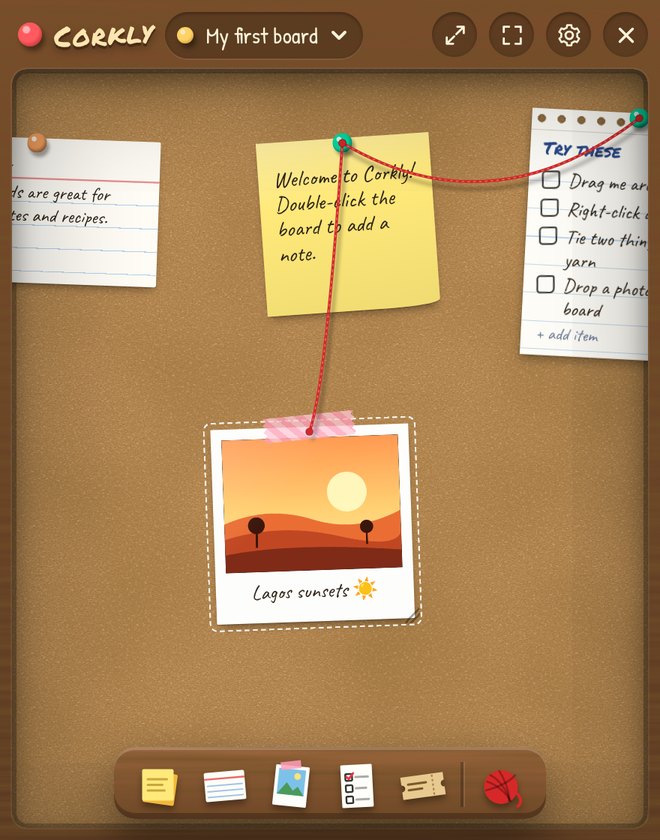
- Sits as a widget in the corner of your screen
- Opens by itself when your computer starts
- Hide the toolbars — just the board
- One shortcut to show or hide it from anywhere
- Cork, felt, chalkboard or pegboard, with a frame to match
Free, with a little extra
Corkly
free, forever
- Every kind of pin, unlimited boards
- Games, countdowns, widget mode and themes
- Voice notes up to 30 seconds
- 1 shared board with up to 3 guests
Corkly Plus
for boards you share
- Share as many boards as you like
- Up to 25 people on each board
- Voice notes up to 2 minutes
- Supports a small indie app made in Lagos
Monthly, yearly or lifetime — upgrade from inside the app.
Good to know
Installing on a Mac
Open the .dmg and drag Corkly into Applications. That's it — Corkly is signed and checked by Apple, and it updates itself from then on.
Installing on Windows
Run the installer. If Windows shows "Windows protected your PC", click More info → Run anyway. You only see this once — Corkly updates itself after that.
Where do my boards live?
On your computer. Only boards you choose to share are stored online, so the people you invite can see them. Corkly sends anonymous usage counts like "opened today" — never names or what's on your boards — and you can switch that off in Settings.
Can we play and send voice notes between a Mac and a PC?
Yes. Share a board and everything on it — notes, photos, voice notes and games — shows up on both computers, Mac or Windows. Games and voice notes are free; Plus just lets voice notes run longer.
How do I cancel Plus?
Open Corkly → Settings → Corkly Plus → Manage subscription. You keep Plus until the end of the period you paid for.